
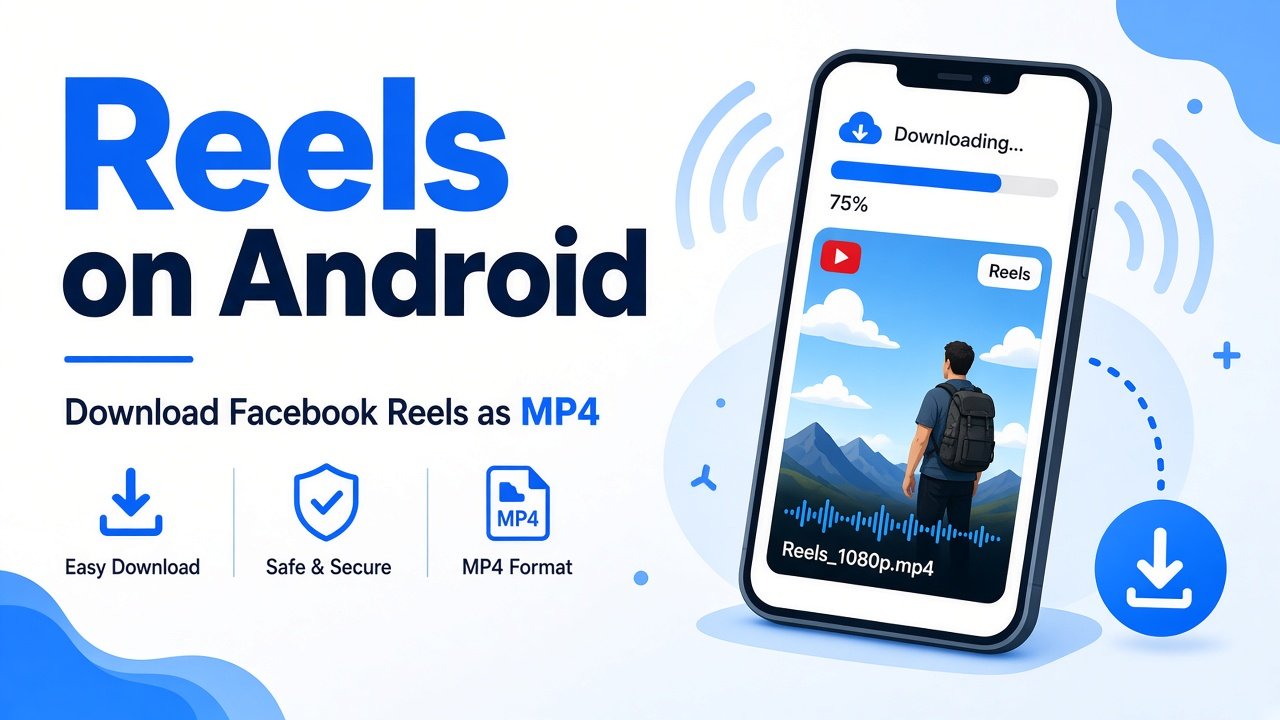
Android users can run a Facebook Reels downloader straight in Chrome. No APK sideload is required for the basic FBDownloaderPro.com flow.
How to save Facebook Reels on Android
- In the Facebook app, open the public Reel.
- Tap Share → Copy link.
- Open Chrome and go to FBDownloaderPro.com.
- Paste the link and tap Download.
- Pick HD or SD; the MP4 lands in your Downloads folder.
Common Android issues
- Empty result: the Reel may be private or region-limited.
- Partial file: delete it, paste again, and download on Wi‑Fi.
- Player won’t open: use VLC or Files to locate the MP4.
For Watch clips on the same phone, the same paste-and-download steps apply.