
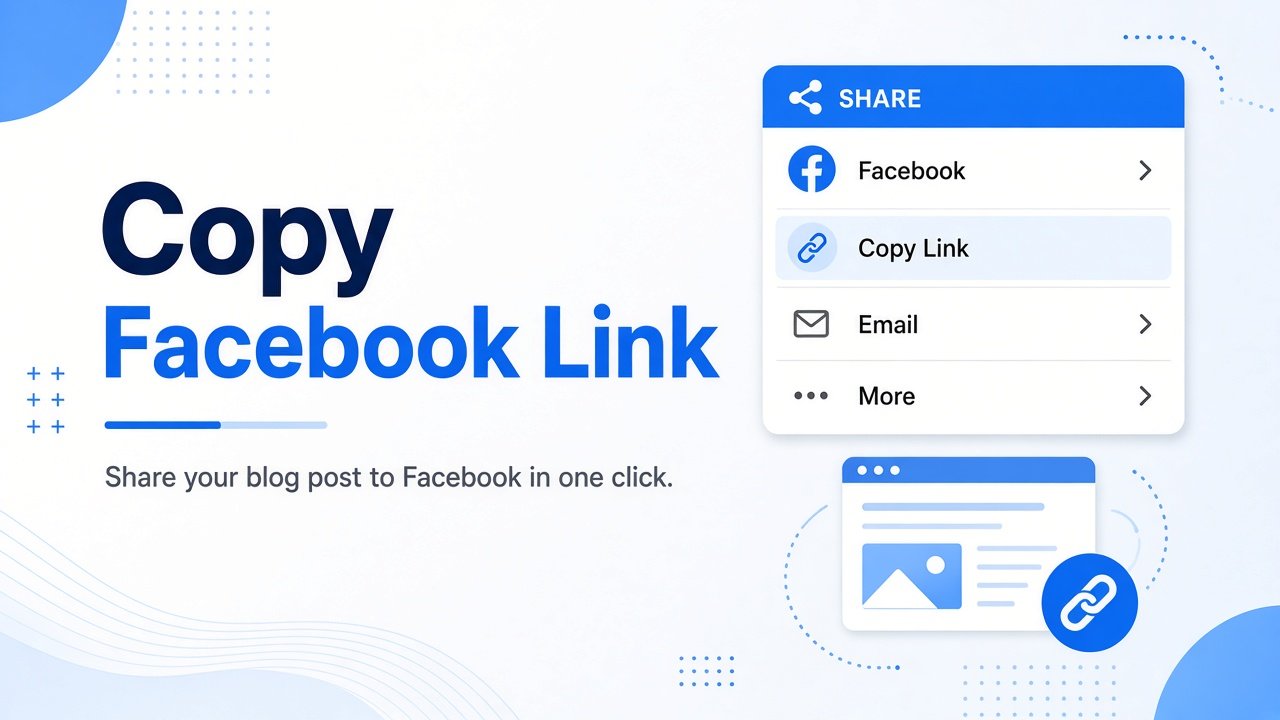
Every Facebook download starts with a clean URL. Here is how to copy a Facebook video link before pasting it into FBDownloaderPro.com.
In the Facebook app
- Open the Watch video or Reel.
- Tap Share.
- Choose Copy link (wording can vary by version).
On desktop
- Open the video on facebook.com.
- Click Share → Copy link.
- Or copy the address bar when you are on
/reel/,/watch/, or/videos/.
Short fb.watch and facebook.com/share/v/… links are accepted when they resolve to a public video.